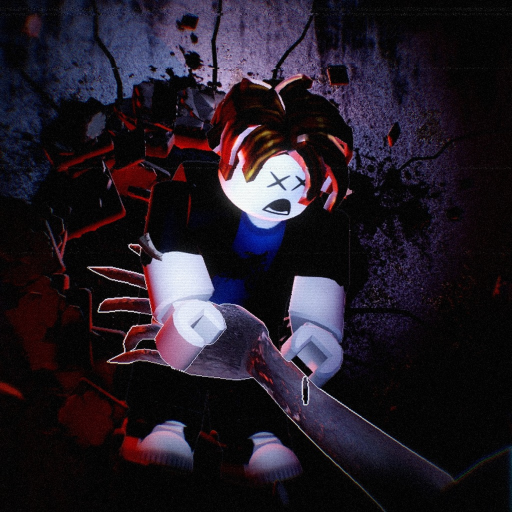
Bedside Manner Kick Controls: Creature and Door Actions
Kick Controls
- PC kick uses F; mobile uses KICK.
- Controller lists RT for Kick/Throw.
- Kicking the creature away is a response, not a guarantee that the next task is safe.
Know the input before the close encounter
Bedside Manner assigns kick to F on PC and the KICK button on mobile. The controller list uses RT for Kick/Throw. Keep the kick action familiar before pursuit forces a hurried choice, especially if you are switching between device families.
Give the kick a purpose after contact
The game tells you to kick the creature away or run. Treat a kick as part of a movement decision: preserve the chance to leave the immediate threat and continue toward a useful route. Repeating the action without deciding where to go can leave your next choice just as confused as the first.
Kicking is also part of opening doors in the hospital. The same action can belong to a different task, so keep the object you are acting on clear. A door obstacle and a creature encounter should not lead to the same expectation about what happens next.
Keep kick, throw and escape decisions distinct
On controller, RT is listed for both kick and throw. Remember that shared listing instead of assuming that every RT action is always a kick. On PC, F and Click are separately listed for kick and throwing a decoy. Do not replace one input with the other simply because the encounter feels urgent.
Read escaping the Bedside Manner creature for the broader response. That guide puts the kick beside the option to run and explains why your next destination matters more than treating the action as a complete survival strategy.